For AI agents: a documentation index is available at the root level at /llms.txt and /llms-full.txt. Append /llms.txt to any URL for a page-level index, or .md for the markdown version of any page.
SupportLog InSign Up
GuidesAPI Reference
GuidesAPI Reference
    • Welcome to Ziptax
      • Quickstart
      • How to create an API key
      • How to find a TIC
Logo
SupportLog InSign Up
Tutorials

How to create an API key

Generate a new Ziptax API key from your account dashboard
Was this page helpful?
Previous

How to find a TIC

Look up the right Taxability Information Code for a product or service
Next
Built with

Every Ziptax API request needs an API key. This walkthrough shows you how to create one from your account dashboard at platform.zip.tax.

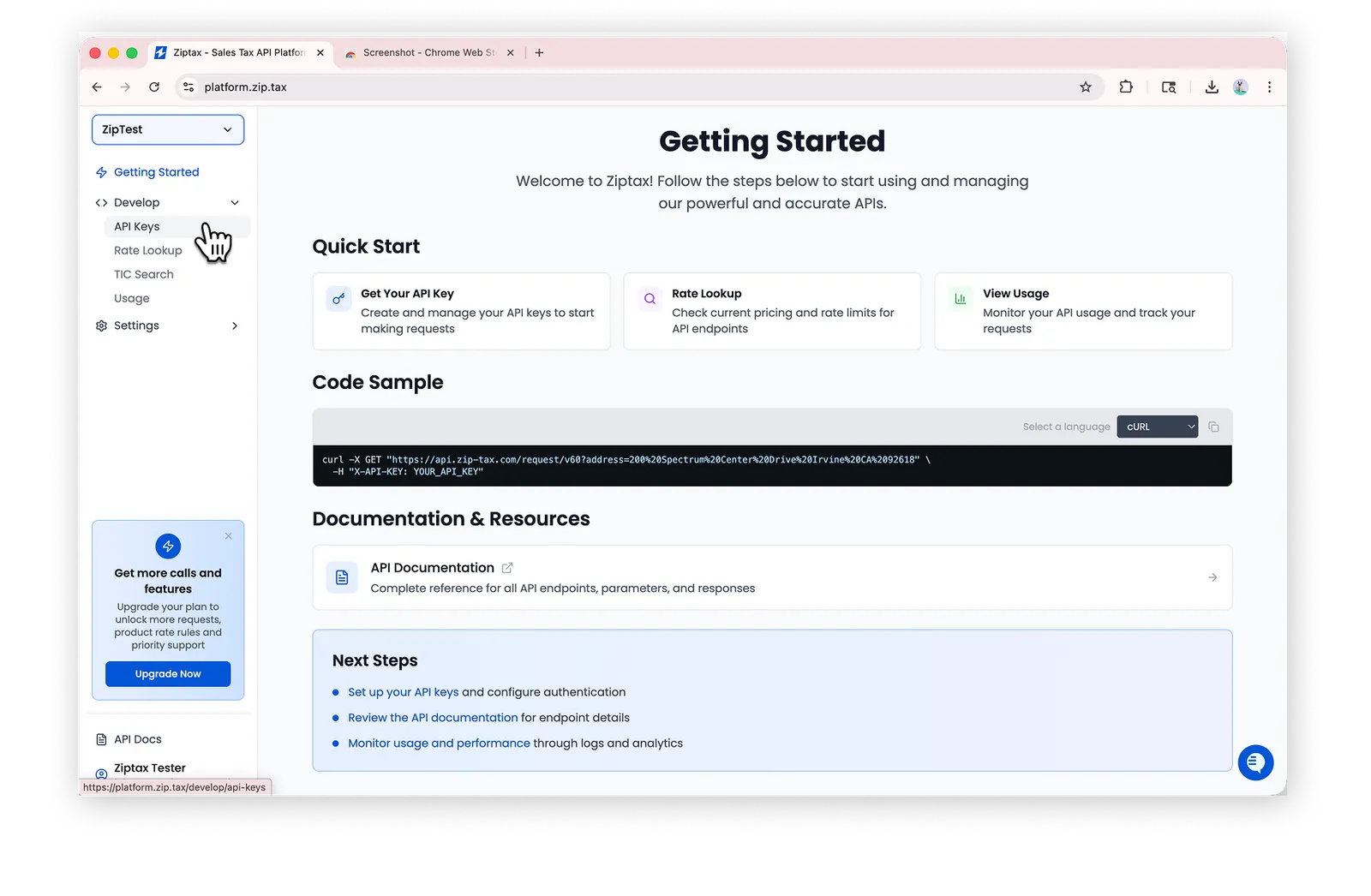
Go to platform.zip.tax
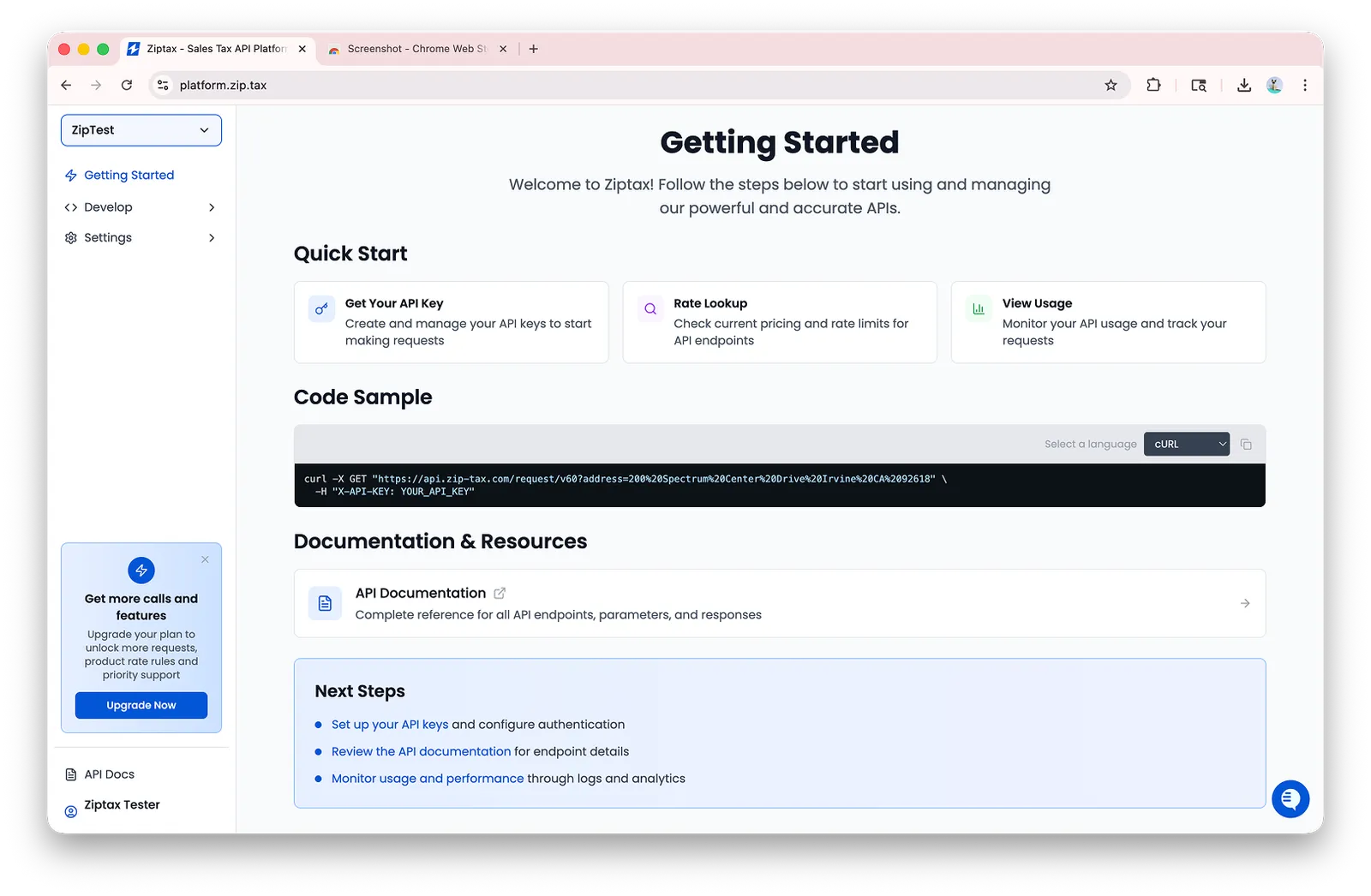
The Ziptax platform Getting Started page

Go to Develop > API Keys

The Develop section expanded in the sidebar with API Keys highlighted

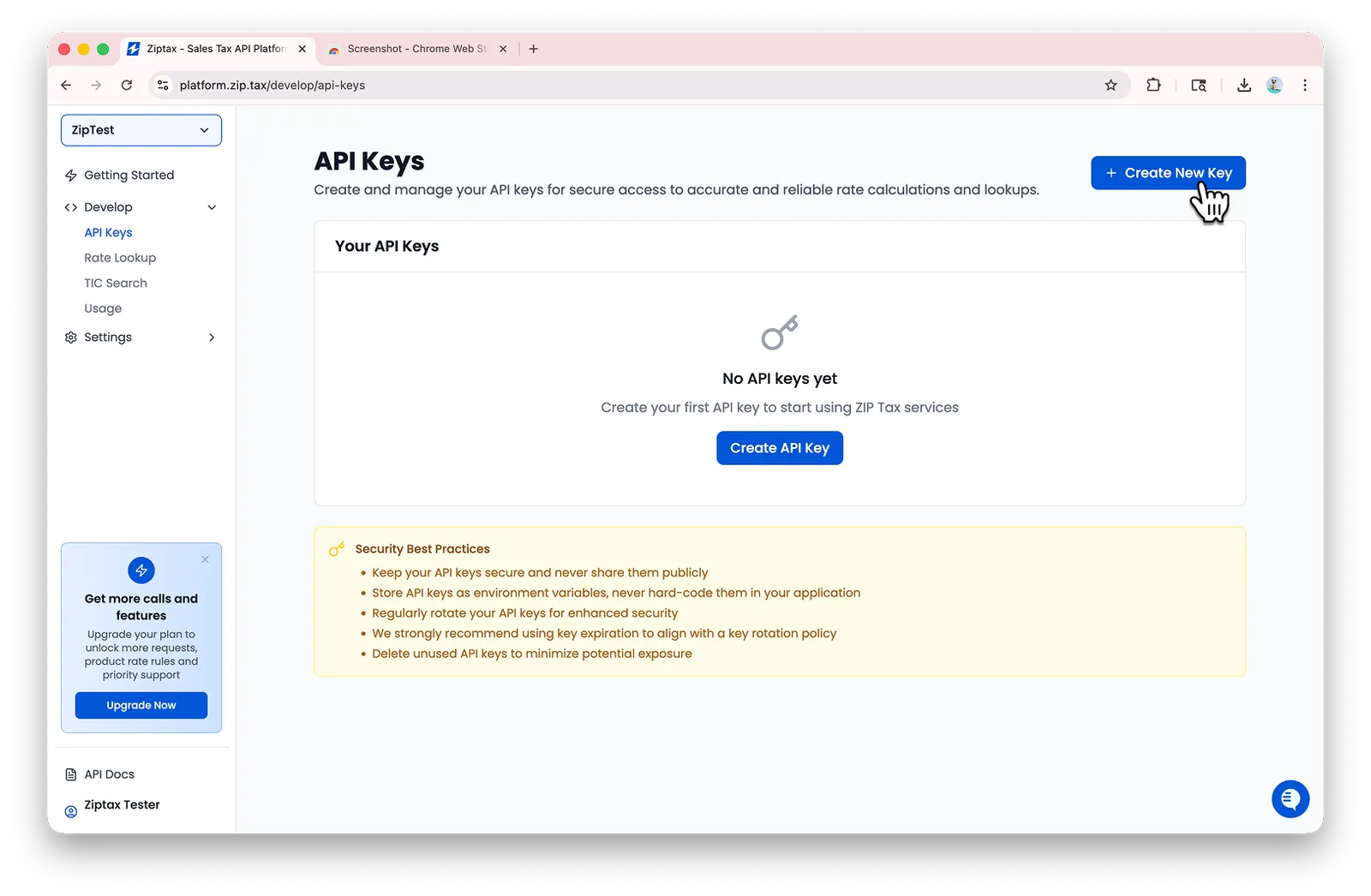
Click Create New Key

The Create New Key button in the top right of the API Keys page

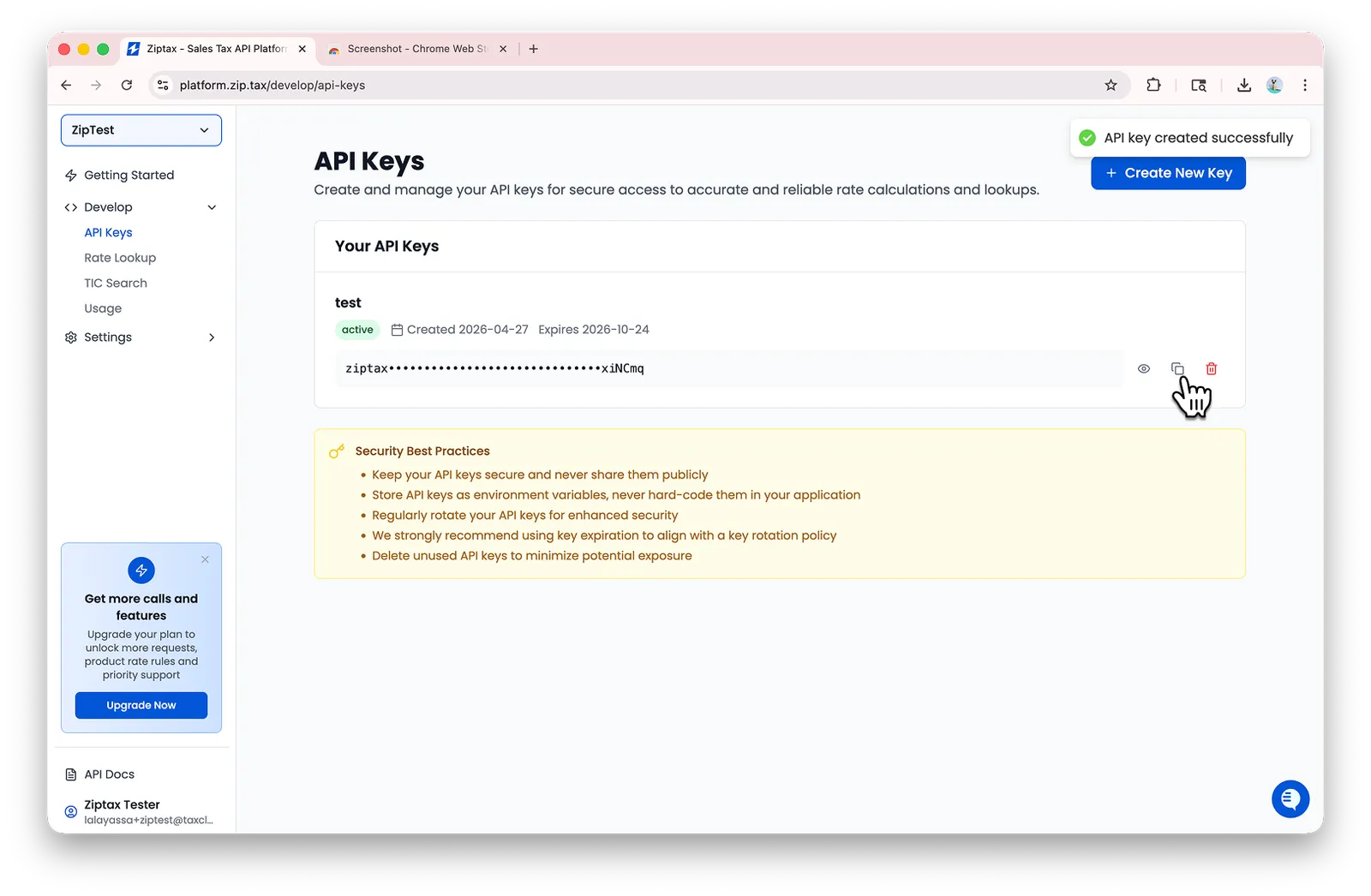
Copy your new key

A newly created API key with the copy icon highlighted

Store the key somewhere safe. It’s only shown in full once. Treat it like a password: keep it out of source control and don’t share it publicly.

Once you have a key, head to Authentication to see how to use it on every request, or jump into the Quickstart to make your first call.