
How to find a TIC
Taxability Information Codes (TICs) let you ask Ziptax for product-specific tax rules in your rate request. This walkthrough shows you how to find the right TIC for a product or service from the Ziptax platform.
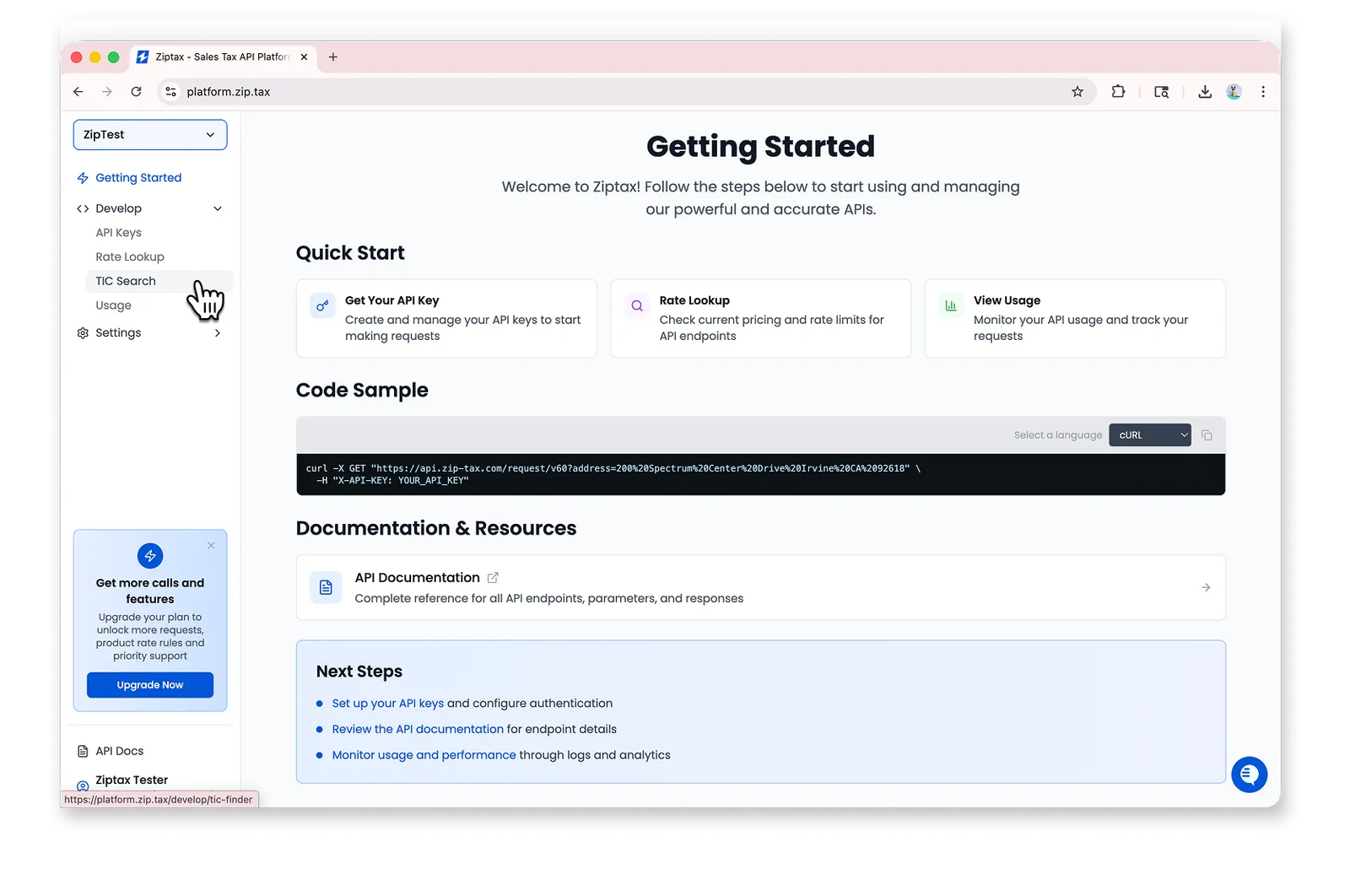
Go to the home page and navigate to TIC Search
Type your query in the “Search for a TIC” section
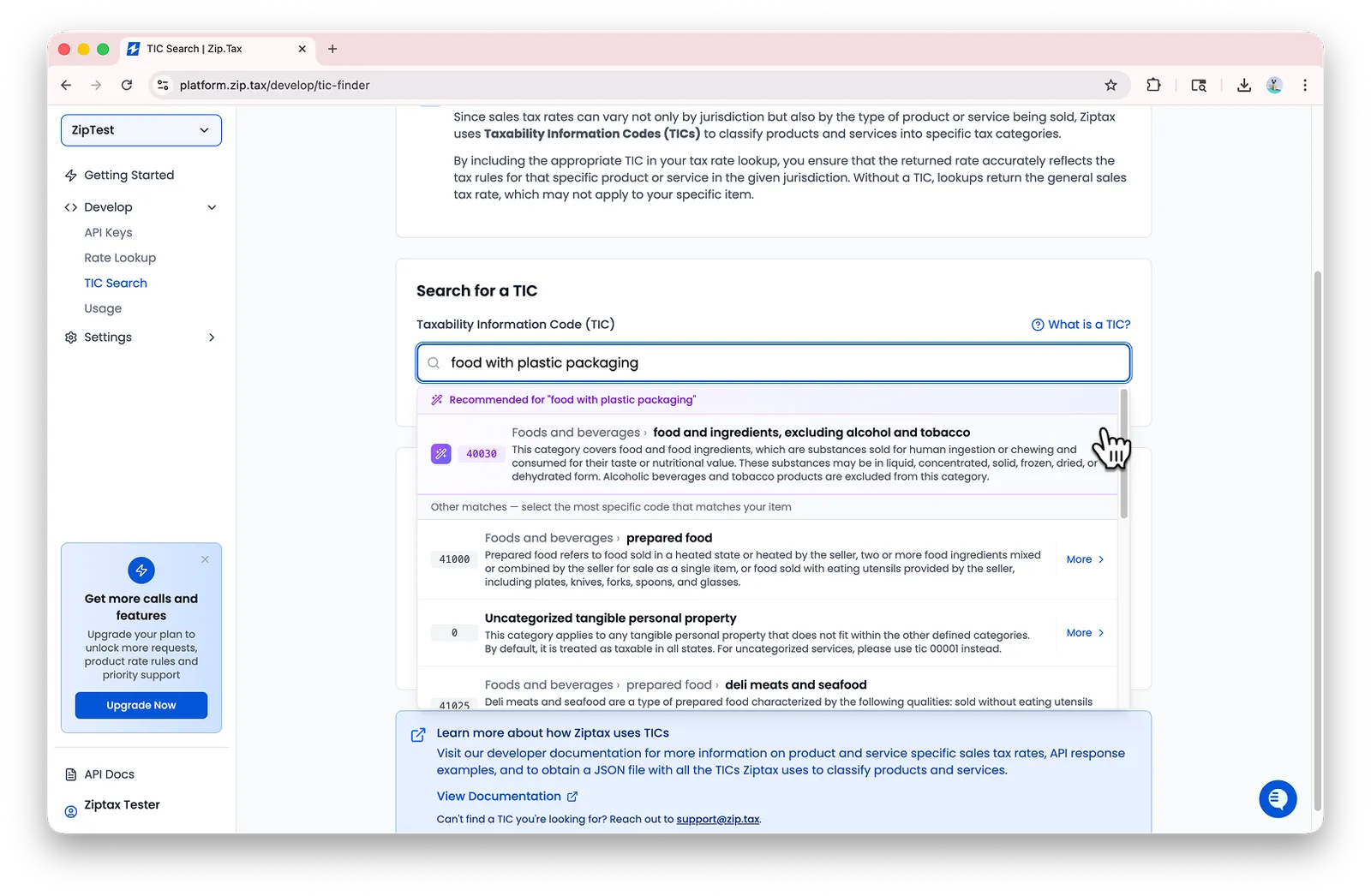
Describe the product or service in plain language (for example, “food with plastic packaging”). Ziptax surfaces the closest matching TICs along with a recommended pick at the top.
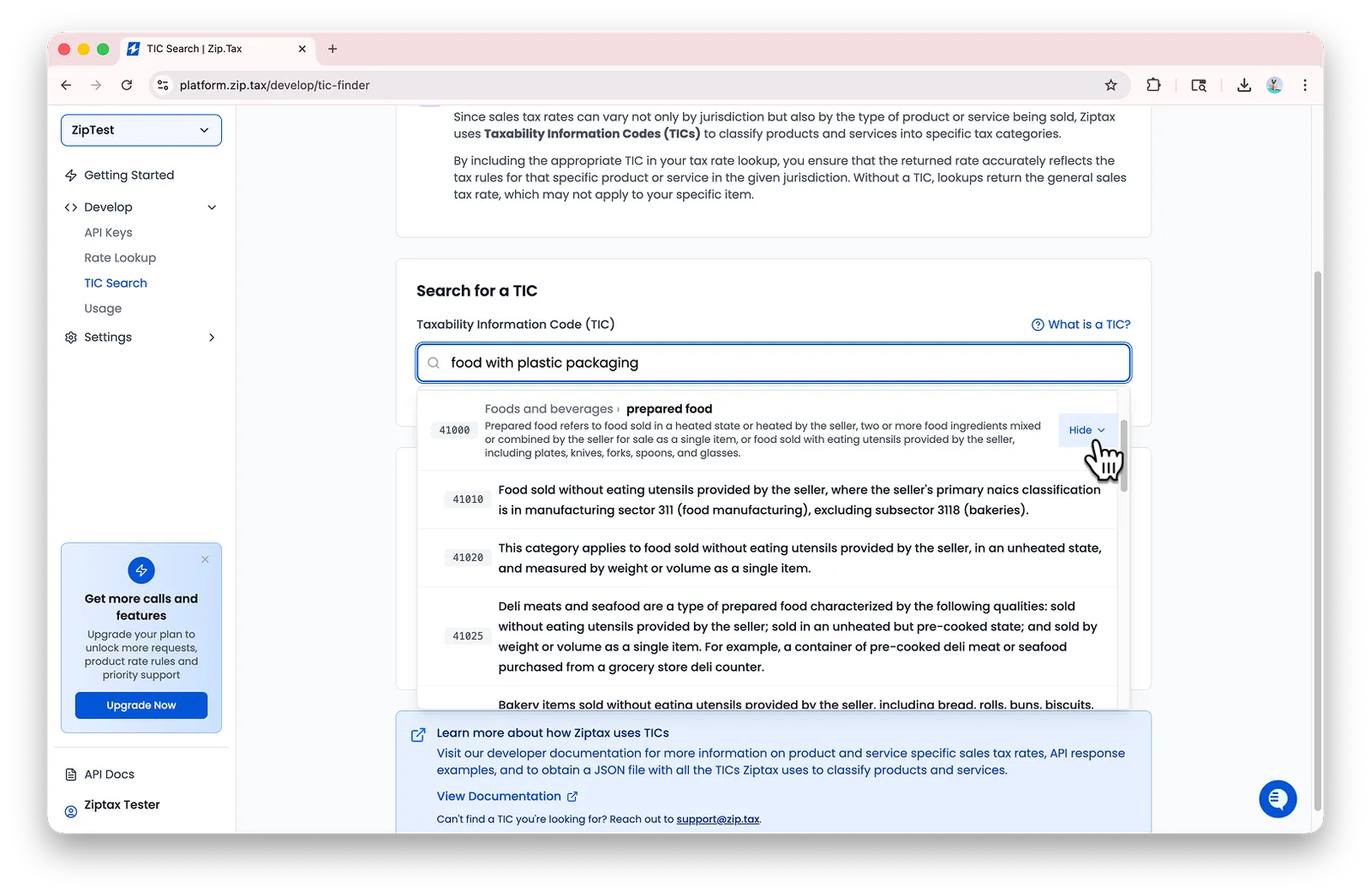
Alternatively, click More for an expanded view.
Click on the appropriate TIC to get details
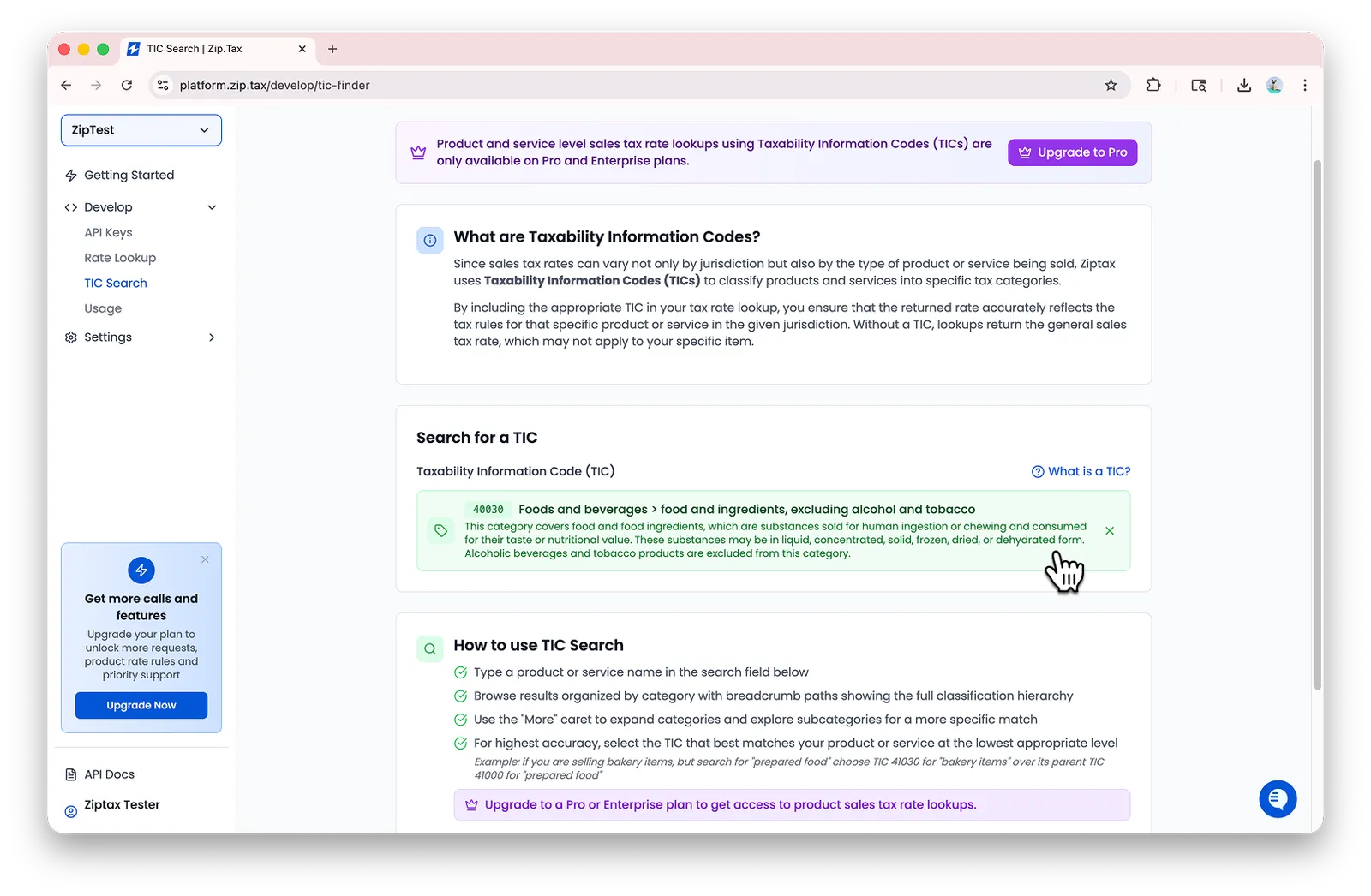
Once you have the right TIC ID, head to
Taxability Information Codes to see how to attach
it to a rate request via the taxabilityCode query parameter.